FAQ
Answers to the most common questions and problems. Check it first: your issue may already have a fix.
 RadioFoundry
Help with installing and using RadioFoundry, and what to send when you report a problem.
Answers to the most common questions and problems. Check it first: your issue may already have a fix.
Install the current release before you report a problem: it may already be fixed.
Some problems depend on the exact chips in your radio, which can differ within one model. With a bug report, send the support info: the download below, or a photo of the radio's About page with its board and chip lines.
Connect the radio (its USB port or programming cable) while it runs RadioFoundry and click the button. The page reads the firmware build, the hardware and chip versions, and checks whether the firmware is one of our release images. The radio keeps working while it reads. It takes a few seconds.
Only reads the radio. The file is saved on your computer and sent nowhere: attach it to your report.
On the radio, open Settings > My radio > About. Scroll down to show the Source, Image, MCU and chip lines, and take a photo of each screen. Wait until Image shows a number instead of “checking”.
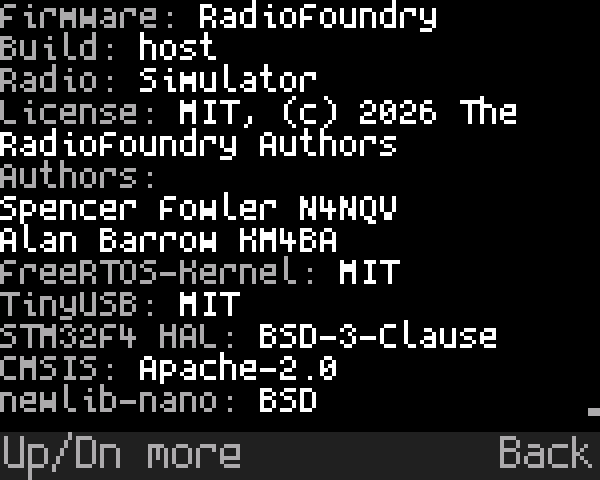
Then open an issue and attach the file or photos, with what you did, what you expected and what happened. Open an issue on GitHub